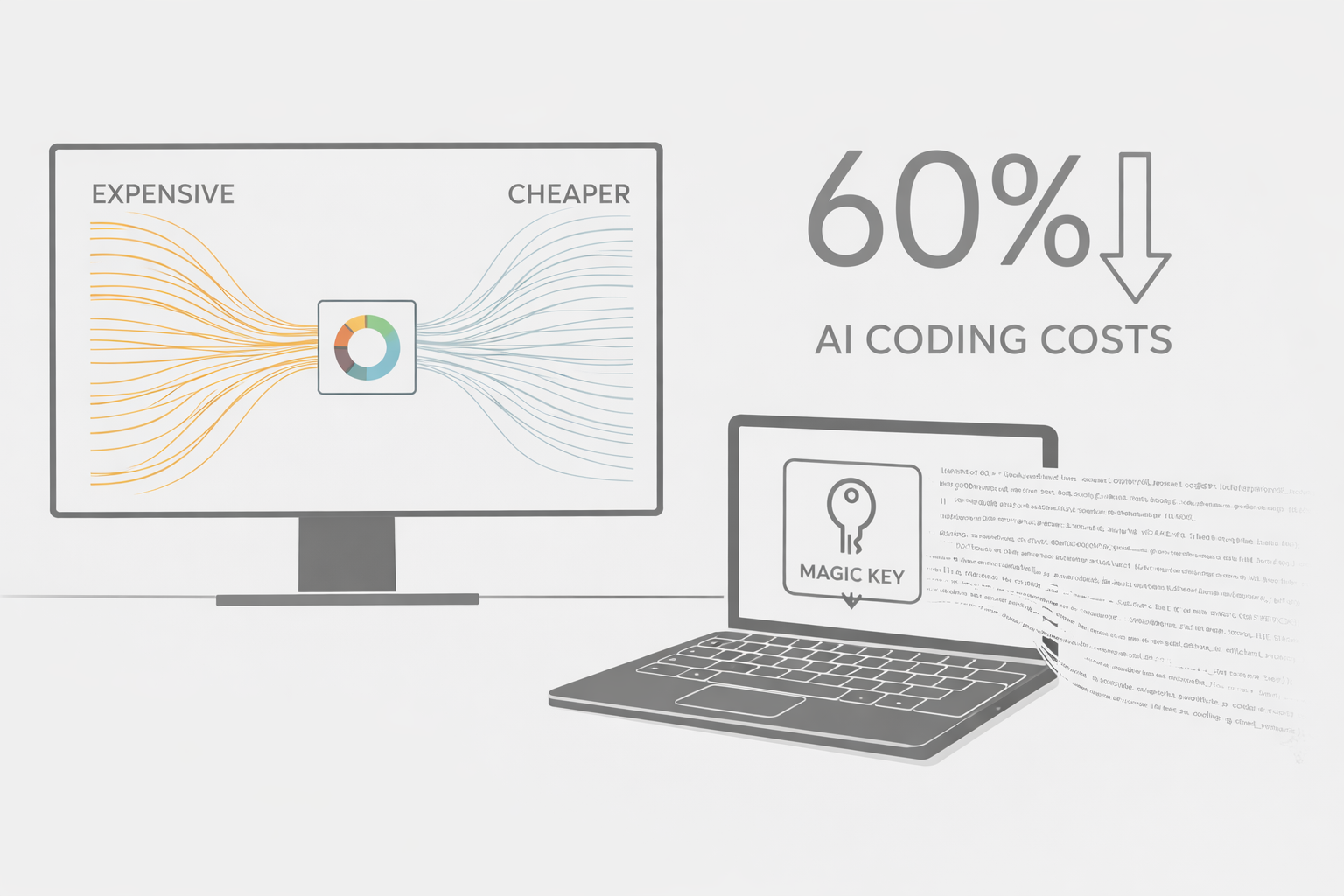
I Cut My AI Coding Costs by 60% With This One Weird Trick (It's Not Clickbait, I Promise)
Why I Ditched My $20/Month AI Subscription (And You Should Too)
Look, I'll be honest. I was that developer paying for three different AI subscriptions simultaneously. Yeah, three. Don't judge me—I had FOMO about missing out on the "perfect" coding assistant.
Then I actually looked at my credit card statement and had a minor existential crisis.
Here's what changed everything: I discovered you can hook up IDE extensions directly to powerful AI APIs like Google's Gemini. No monthly subscription. No artificial limits. Just pay for what you actually use.
Spoiler: My AI bills dropped by 60% in the first month.
The Setup That Actually Makes Sense
Instead of paying a fixed monthly fee to some AI coding service, you can use a smart IDE extension (like Cline, CodeGPT, or similar tools) and connect it directly to the Gemini API.
Think of it like this: would you rather rent a car for $500/month even if you only drive twice a week, or just use Uber and pay per trip? That's basically the difference here.
What You Get Out of This
When you connect an AI extension to Gemini's API, you're not just getting another autocomplete tool. You're getting:
Real pair programming vibes. Need to understand what that ancient Python script does? Ask Gemini. Want to refactor that function you wrote at 2 AM? It's got you covered.
Money that stays in your wallet. The Gemini API charges you per token—basically, per word processed. If you're coding 10 hours this week and 2 hours next week, you pay accordingly. No more "I paid $20 this month but only used it twice" guilt.
Actual control. You can tweak prompts, adjust settings, and even automate stuff. Try doing that with your locked-down subscription service.
The Money Talk (Because We're All Adults Here)
Let's get specific. Most AI coding subscriptions run $10-$30 per month. Sounds reasonable, right?
But here's the thing: if you're like most developers, your usage fluctuates wildly. Some weeks you're shipping like crazy and need AI help constantly. Other weeks you're in meetings or on vacation or just... not coding that much.
With the Gemini API, I tracked my usage for three months:
- Heavy coding weeks: ~$4-6 in API costs
- Normal weeks: ~$1-2
- Light weeks: Under $1
My old subscription? $20 every. single. month. Whether I used it or not.
Do the math. It's not even close.
But Wait, Can't I Just Use ChatGPT?
Sure, you could. And I did, for a while. Opening a browser tab, copying code, pasting it in, copying the response back, formatting it...
Honestly? It gets old fast. Having AI built directly into your editor is just better. It's like the difference between texting someone directions and having GPS in your car.
The Automation Thing Nobody Talks About
Here's where it gets interesting. When you control the API directly, you can automate stuff that monthly subscriptions won't let you touch.
Want to auto-generate docstrings for every new function in your codebase? Done. Need to create test cases automatically before each commit? Easy. Want AI to review your pull requests and leave comments? Totally possible.
I set up a simple pre-commit hook that uses Gemini to check if my functions have proper documentation. Takes 2 seconds, costs about $0.03 per run. My code reviews are so much cleaner now.
A Quick Code Example (Because Show, Don't Tell)
Here's the actual Python script I use to auto-generate docstrings. It's stupidly simple:
pythonimport google.generativeai as genai import os genai.configure(api_key=os.environ.get("GOOGLE_API_KEY")) model = genai.GenerativeModel('gemini-pro') def generate_docstring(code_snippet: str) -> str: """ Asks Gemini to write a docstring for your function. Returns the AI's suggestion as a string. """ prompt = f""" Write a clean Python docstring for this function. Keep it concise but complete. ```python {code_snippet} ``` """ try: response = model.generate_content(prompt) return response.text.strip() except Exception as e: return f"API error: {e}" # Usage example if __name__ == "__main__": my_function = """ def calculate_circle_area(radius: float) -> float: import math return math.pi * radius**2 """ print(generate_docstring(my_function))
That's it. No complicated setup, no enterprise licenses. Just working code that saves you time.
How to Actually Set This Up
Getting started takes about 10 minutes:
-
Grab a Gemini API key from Google AI Studio. They have a generous free tier to test with.
-
Install an IDE extension that supports custom API keys. I use Cline in VS Code, but there are plenty of options.
-
Plug in your key and start experimenting.
-
Set up billing alerts so you don't get surprised. Google Cloud Console makes this easy.
The Real Bottom Line
I'm not saying subscription AI tools are bad. For some people, the simplicity is worth paying for.
But if you're someone who likes control over your tools, wants to save money, or dreams of automating parts of your workflow, the API route is absolutely the way to go.
Plus, there's something satisfying about building your own system instead of just renting someone else's.
At least that's what I tell myself when I'm tinkering with my setup at midnight instead of sleeping.
Have you tried connecting AI APIs directly to your IDE? What's your setup? I'd genuinely love to hear about it—drop a comment or reach out.