Cosmovex

Featured app · Android · iPhone & iPad

Pocket Compiler: Run Code

Run code on your phone. Offline.

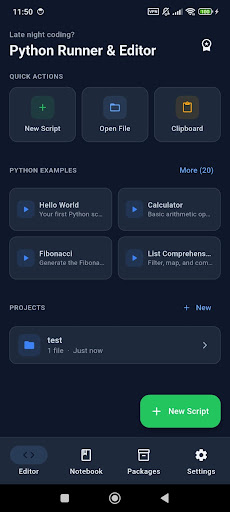
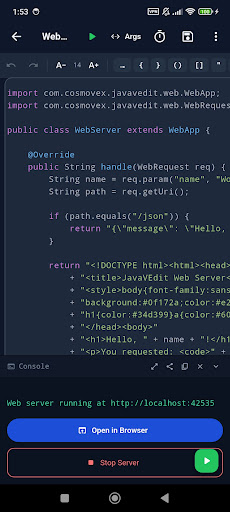
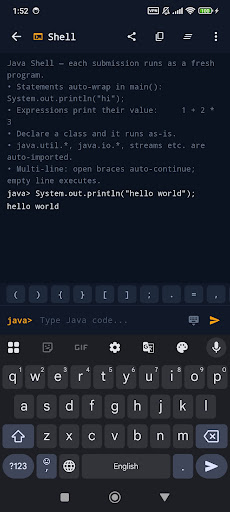
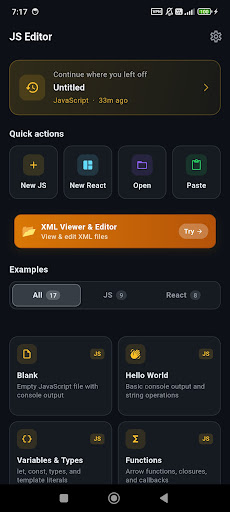
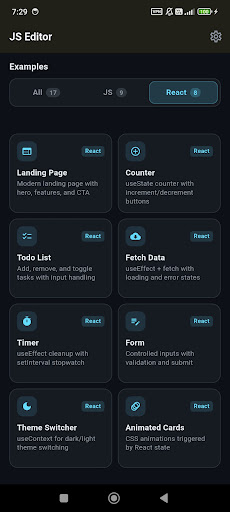
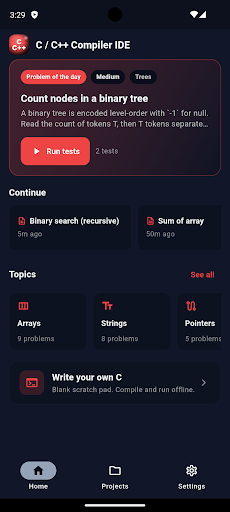
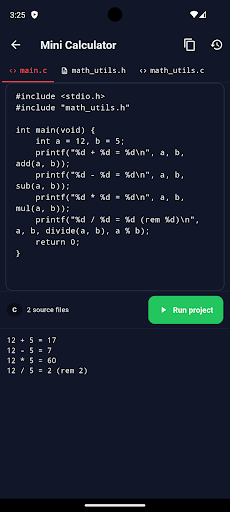
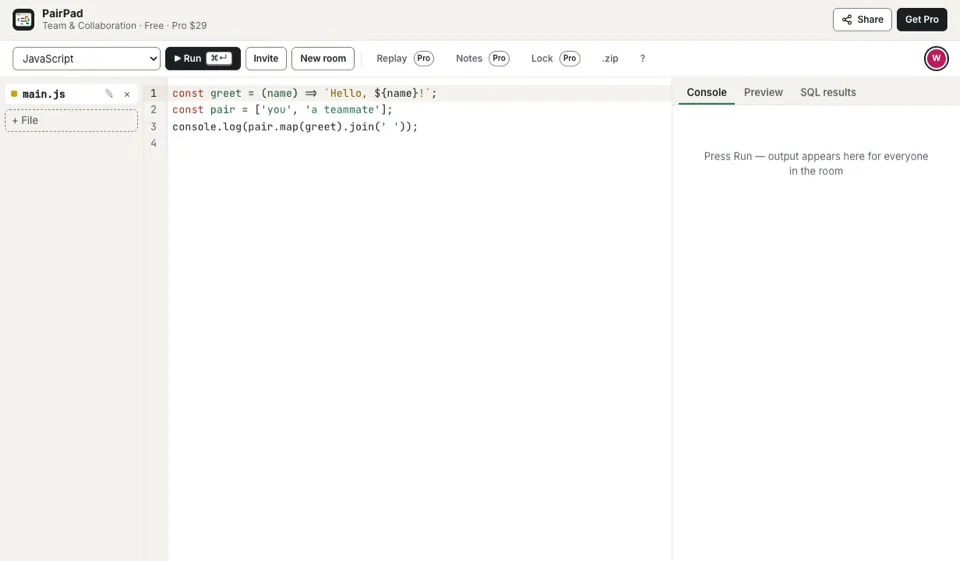
Python, JavaScript, React, HTML and SQL run offline; Java, C, C++ and PHP too on Android. Clone a GitHub repo, open a terminal or type the code from our Shorts.

Google PlayApp StoreAbout Pocket Compiler →

main.py▶ Run

Type a code: P2

print(0.1 + 0.2)
print(0.1 + 0.2 == 0.3)
0.30000000000000004
False

Android · iPhone & iPad · Browser

Away from your desk? Edit code, files and servers from your phone.

26 focused apps on Android, 16 of them on iPhone and iPad too — and 21 browser tools for when you are back at a desk.

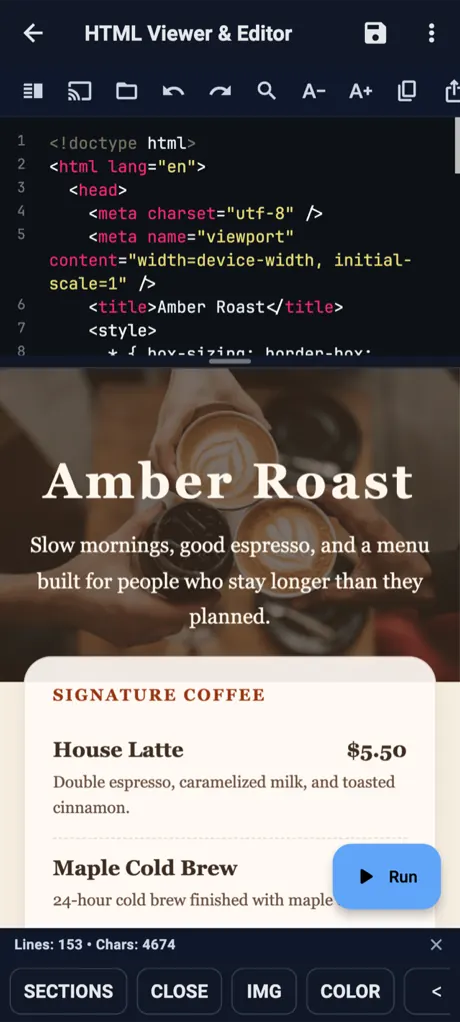
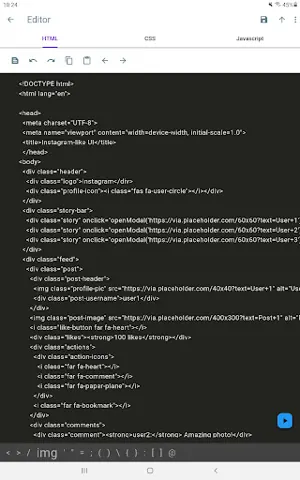
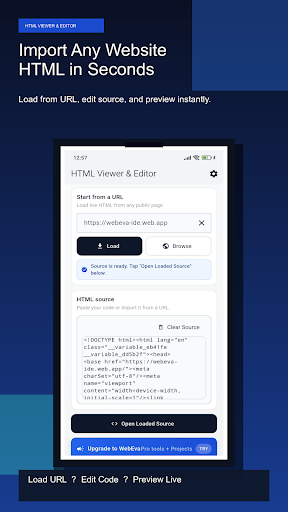
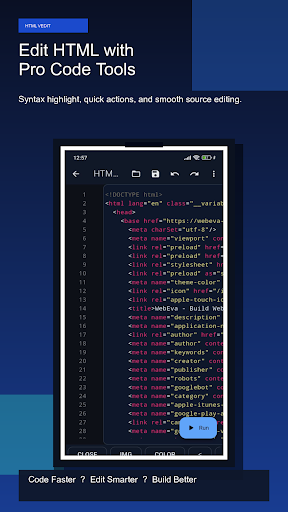
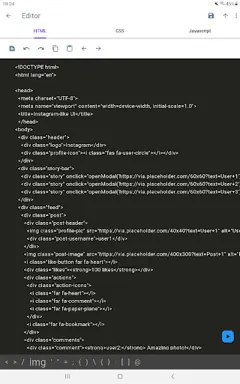
HTML Viewer & Editor on Android: page source above, the rendered page below
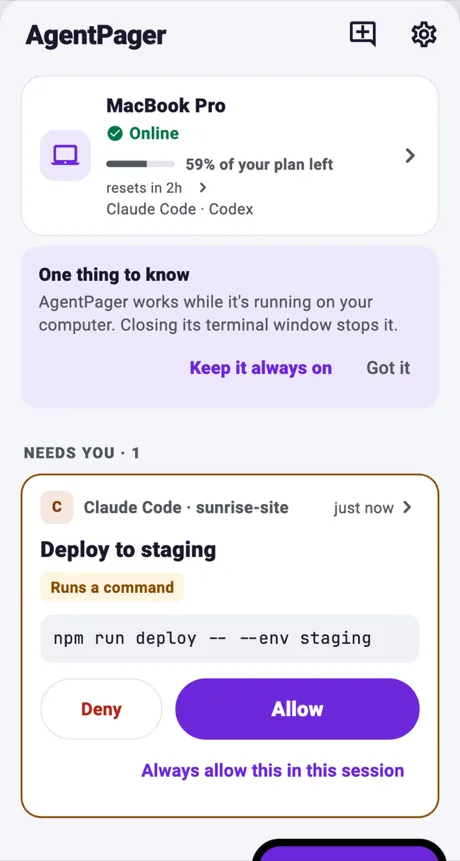
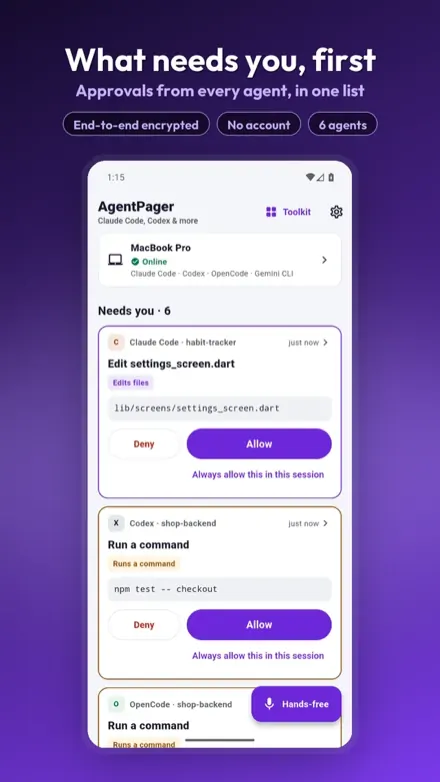
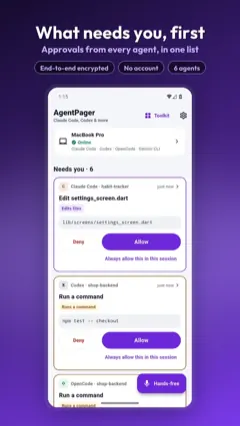
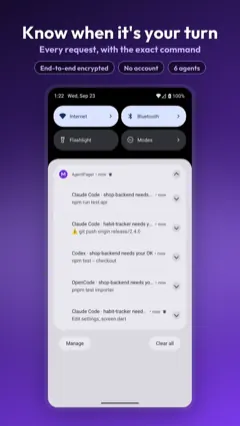
AgentPager on Android: a Claude Code request waiting for Allow or Deny
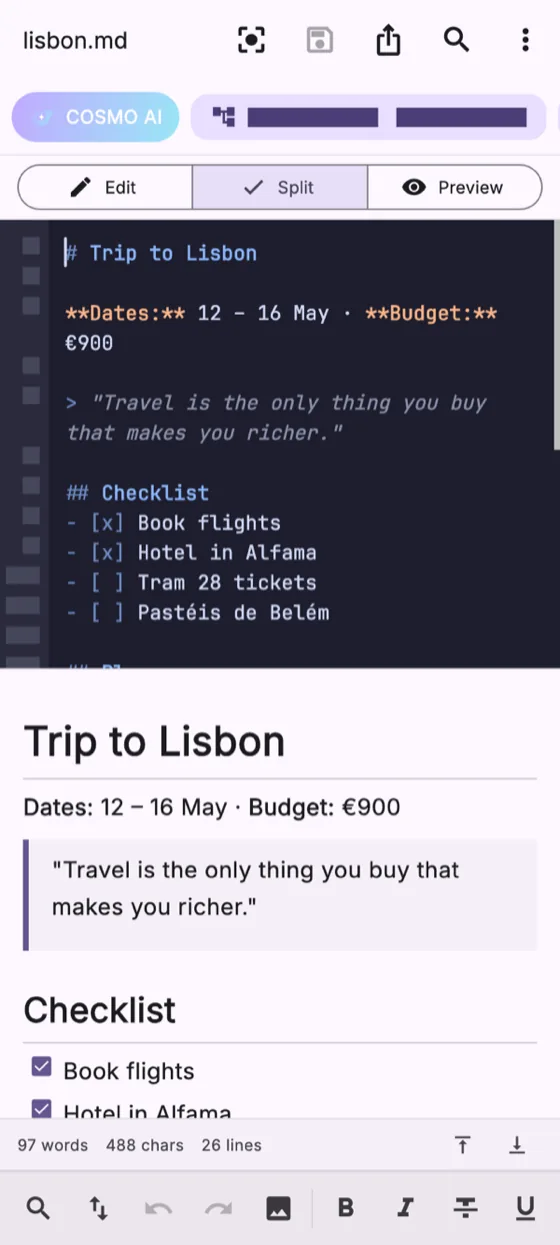
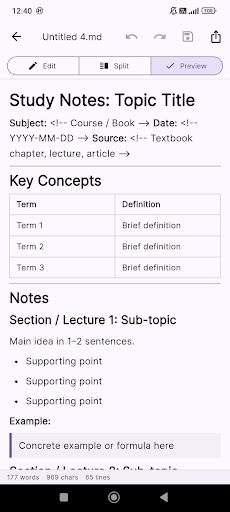
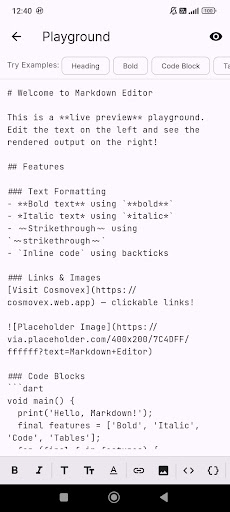
Markdown Editor on Android: a trip note in split view, Markdown source above and the preview below
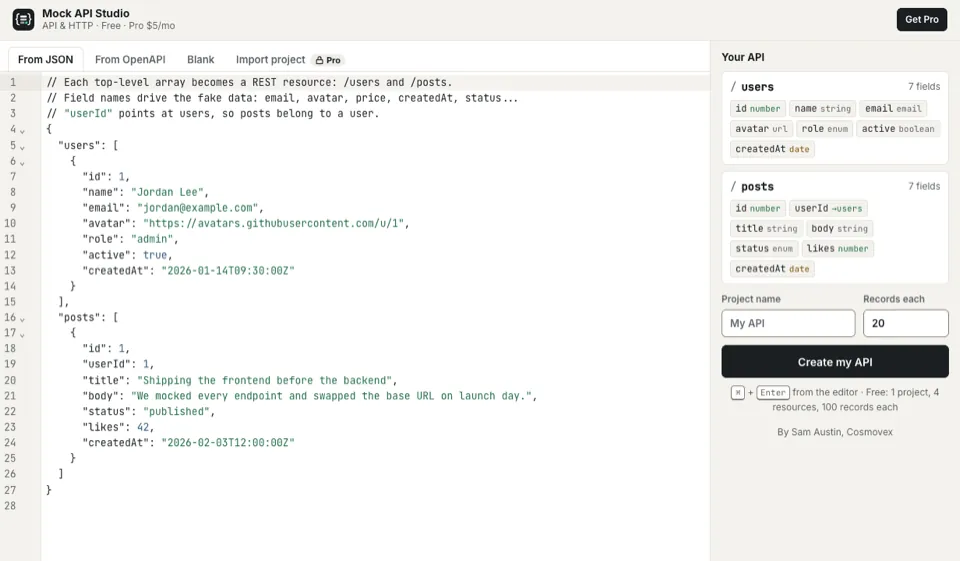
Real screens: the Markdown Editor, HTML Viewer & Editor and AgentPager on Android, in front of Mock API Studio in a browser.
26
Android apps on Google Play
16
of them on iPhone & iPad
21
browser tools, nothing to install
4.4 out of 5
HTML Editor, 164 ratings on Google Play
39
step-by-step guides

Left your laptop mid-task? Start with these four.

The Markdown editor, AgentPager — our newest app — and the two most installed.

Markdown Editor

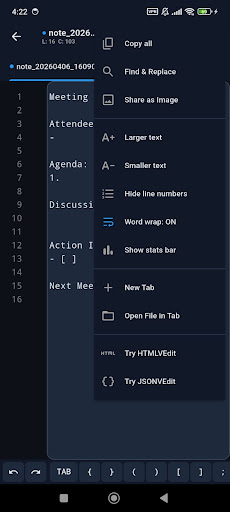
Notes stuck on your phone? Write Markdown there and open the same file on your laptop.

Live preview, tables, code blocks and Mermaid diagrams, with export to HTML or PDF. Live Server shows the file in a laptop browser over Wi‑Fi.

10K+ downloads

Markdown Editor & MD Viewer screenshot

AgentPagerNew

Your coding agent is waiting for an answer. Approve it from your phone.

Claude Code and Codex keep running on your computer; AgentPager shows what needs you and sends your reply back.

AgentPager: Claude Code & Codex on your phone screenshot

HTML Editor

View & edit HTML on mobile.

10K+ downloads 4.4 out of 5 Google Play (164 ratings) 4.4 out of 5 App Store (24 ratings)

HTML Viewer & Editor - Code screenshot

Need one tool for one file type? Filter every app and browser tool.

Live on Google Play, the App Store, the web, or several. Tap one for details.

48 apps and tools

Not sure which app opens your file? Pick the task and see the app.

Each page explains one task on Android and which app does it.

Code & run

10

Files & data

10

Servers & network

6

Web & design

5

Documents

3

Productivity

6

Questions before you install? Answers here.

Something else? Write to us and include the app name and your device.

Contact Cosmovex
Are the apps free?

Yes. Every app is free to install and use. Most show ads; an optional Pro upgrade removes them and unlocks extra features. The price is shown in the app before you pay.

Do my files leave my phone?

The editors and viewers open files on your device and work on them there. Data only leaves the phone when you use a feature that needs a network, such as SSH, an API request, AI assistance or sharing. Apps with ads use Google AdMob, and each app's privacy policy lists what it collects.
Are the apps on iPhone and iPad?

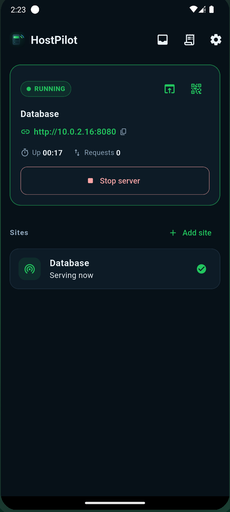
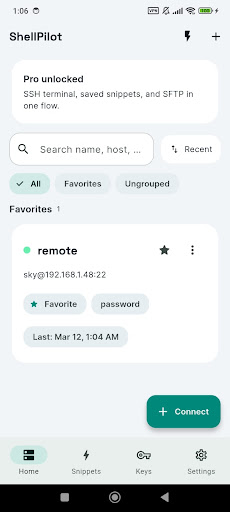
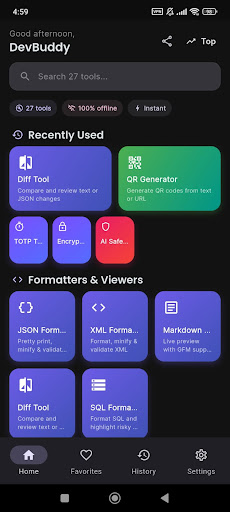
Yes, 16 of them are on the App Store for iPhone and iPad: Markdown Editor, HTML Editor, XML Editor, SQLite Editor, WebEva, SVG Editor, JavaScript Editor, JSON Editor, API Client, HostPilot, ShellPilot (SSH), PDF Editor, CSV Editor, Pocket Compiler, DevBuddy and LayerPeek, a 3D-print file viewer that is only on iPhone and iPad. The other 11 (Python IDE, Java & Kotlin IDE, C/C++ Compiler, YAML Editor, Network Toolkit, Diagram Maker, Zip Extractor, Aspenote, QR Scanner, PromptCrate and AgentPager) are Android only for now.
Do the apps work offline?

Most editors and viewers work without a connection once installed; the Python, Java, JavaScript and C/C++ apps run code on the device itself. Features that talk to another machine, such as SSH, REST requests, network tests and AI, need a connection.
Who makes these apps?

Cosmovex. We build and maintain every app on this page, and write the guides on this site.

How do I get support?

Write to us from the Contact page and include the app name, your device and its Android or iOS version. Bug reports and feature requests are read and answered. Contact Cosmovex